Install
Download, unzip, point your device at the images. Most platforms rotate wallpapers natively — no extra software needed.
- Unzip somewhere permanent —
~/Pictures/background.golfworks well. - Open System Settings → Wallpaper.
- Scroll to the bottom and click Add Folder…, then choose the folder.
- Turn on Rotate every and pick an interval.
Keep the folder images-only. If you unzipped the pack, move
CREDITS.md, LICENSE, live-wallpaper.html
and wallpapers.js elsewhere first — macOS can refuse a folder
containing other files. Skip this if you are using the live wallpaper, which
needs those last two sitting with the images.
macOS 14 Sonoma removed the scriptable wallpaper API, so this step is manual on current macOS. That is also why this project ships no install script.
- Unzip somewhere permanent —
Pictures\background.golfworks well. - Open Settings → Personalization → Background.
- Set Personalize your background to Slideshow.
- Browse to the unzipped folder.
- Pick how often to change, and set Choose a fit to Fill.
Take the 16:9 pack on Windows — it matches almost every PC monitor exactly, with no cropping.
- KDE Plasma — right-click the desktop → Configure Desktop and Wallpaper → set type to Slideshow → add the folder.
- GNOME — no built-in slideshow UI. Variety handles rotation and points straight at a folder.
- Sway / Hyprland — point
swaybgorhyprpaperat the folder from a shell loop.
- Tap the downloaded ZIP in the Files app — it unzips in place. Open the folder it creates, then open Wallpapers.
- Select → Select All → Share, scroll past the row of apps, and choose Save 60 Images.
- In Photos → Recents, tap Select and drag across the images you just saved, then Add To → New Album.
- Settings → Wallpaper → Add New Wallpaper.
- Choose Photo Shuffle, pick the album, and set Shuffle Frequency — on tap, on lock, hourly or daily.
Drag rather than tap for both selections — hold near the bottom edge and the grid keeps scrolling. The Wallpapers folder holds nothing but images on purpose: Files hides Save Images the moment a selection contains anything else, so CREDITS.md and LICENSE sit outside it.
Two things iOS does afterwards. Your home screen becomes a blurred copy of the lock screen, because wallpapers are set as a pair — tap Customize under the home screen preview in Settings → Wallpaper to turn the blur off, or set it to a plain colour so only the lock screen shuffles. Setting a wallpaper also resets your home screen icon appearance; restore it with a long press on an empty spot → Edit → Customize → Clear.
Photo Shuffle needs iOS 16 or later. On older versions, set a single image with Settings → Wallpaper → Add New Wallpaper → Photos.
- Unzip and save the images — they're in the Wallpapers folder — to your gallery.
- Settings → Wallpaper & style → Change wallpaper → My photos (wording varies by manufacturer).
- Pick an image and choose whether to apply it to the home screen, lock screen or both.
Android has no built-in folder rotation. Most launchers offer it, or a wallpaper changer app can point at the folder.
Live wallpaper
Every desktop pack includes live-wallpaper.html — a single page that cross-fades the whole set with a slow drifting zoom. The hero at the top of this page is exactly that effect.
macOS — Plash
- Install Plash (free, App Store).
- Plash menu → Open URL… → Choose File…
- Pick
live-wallpaper.htmlfrom the unzipped pack.
Windows — Lively Wallpaper
- Install Lively Wallpaper (free, Microsoft Store).
- Add Wallpaper → Browse → select
live-wallpaper.html.
Leave it where it is. live-wallpaper.html and
wallpapers.js have to stay in the same folder as the images. Both apps
give the page access to its own folder and nothing else, so a copy moved out on its
own has no photographs to show.
Battery: an always-animating desktop keeps the GPU awake. The default drift is deliberately slow, and both apps pause it when a window covers the desktop.
Tune it by adding options to the file path:
index.html?duration=45&fade=3&zoom=1.05 — seconds per image,
cross-fade length, and how far it pushes in. Add shuffle=0 to keep
the set in order.
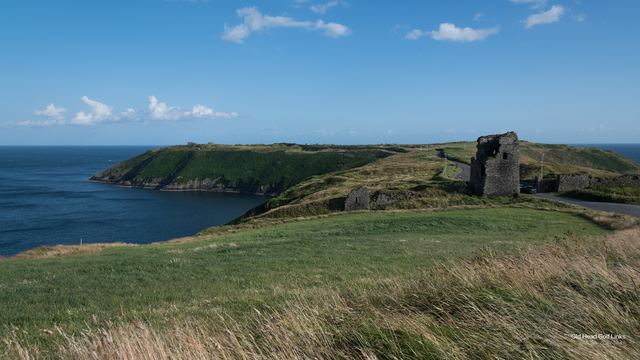
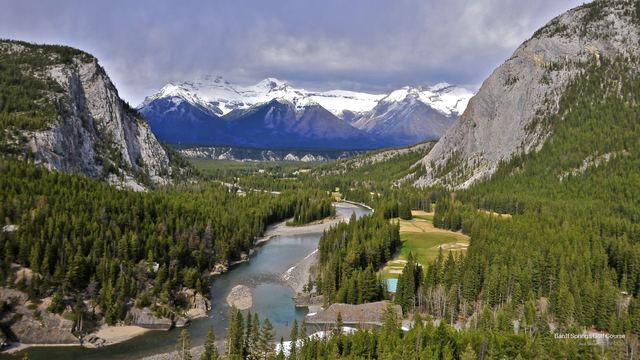
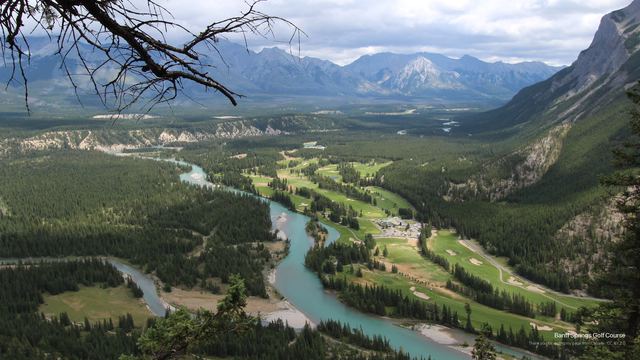
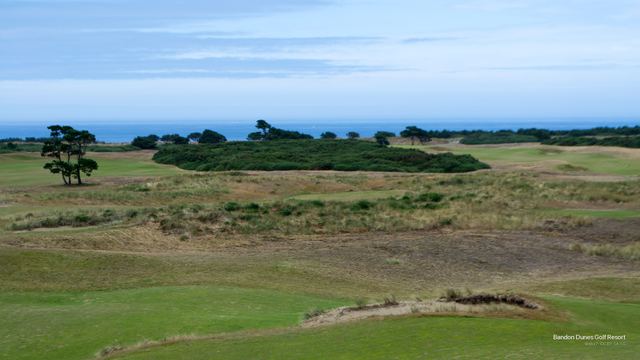
A few of the sixty
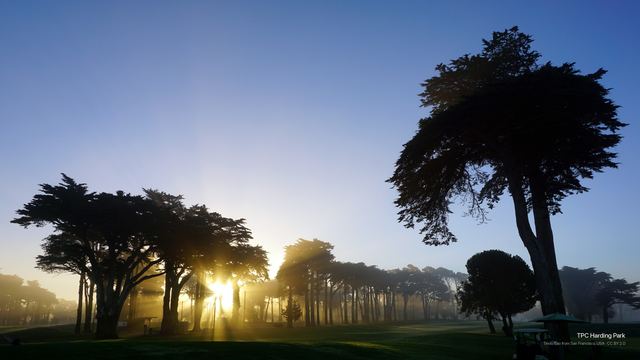
Each wallpaper carries its course, photographer and license quietly in the corner.







On your phone too
Separate packs for iPhone and Android, cropped to portrait.
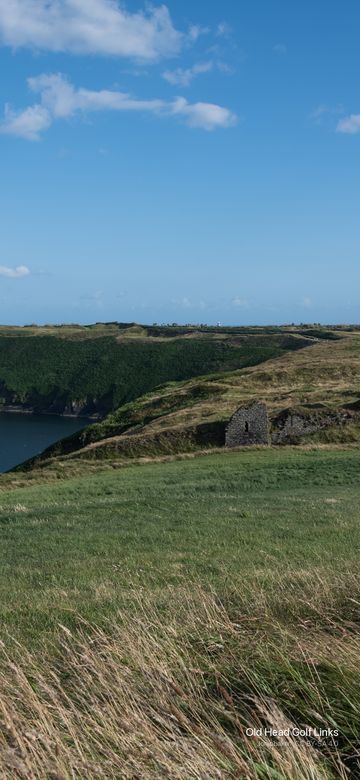
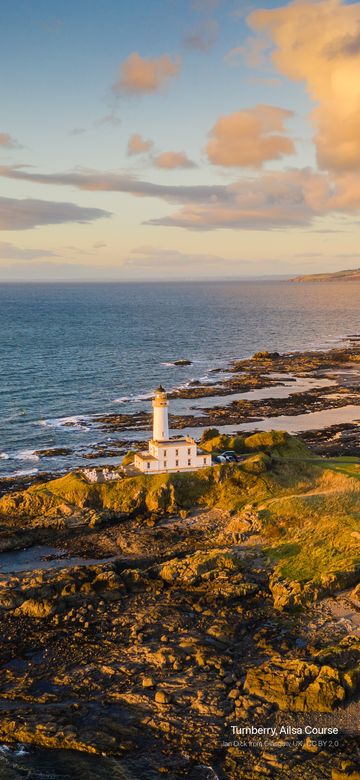
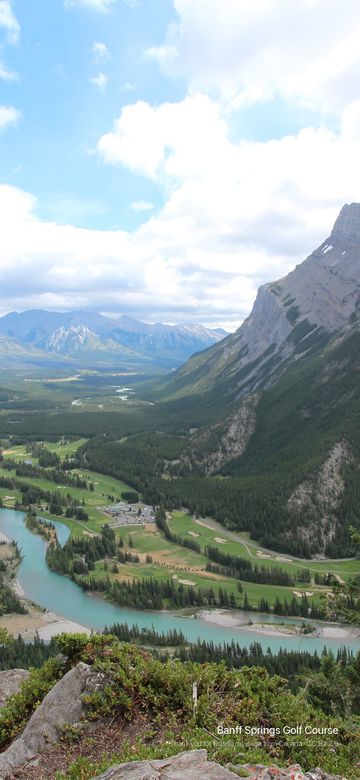
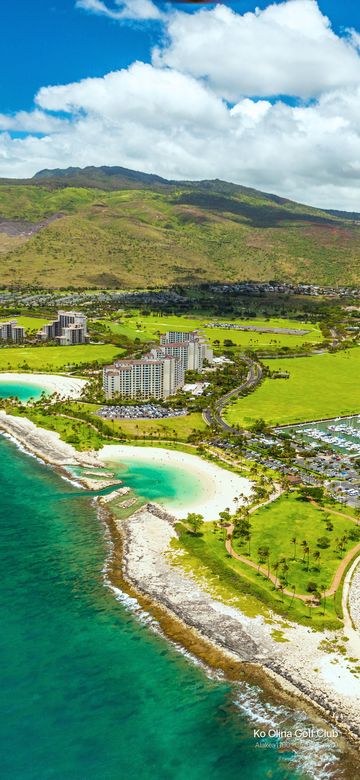
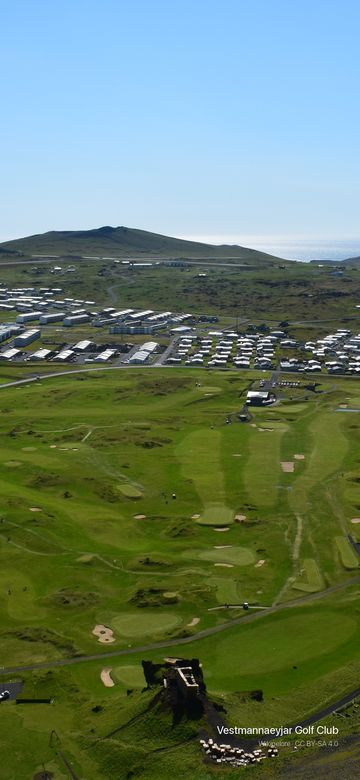
These are cropped, not the same photo. Every source photograph is landscape, so the phone packs take the middle of the frame — dramatic and full-bleed, but the far edges of a wide panorama are not in it. Want the whole composition? Take a desktop pack.
About the photographs
Every image comes from Wikimedia Commons under a free Creative Commons license, and every photographer is credited — in the corner of the image itself, and in full in CREDITS.md, which ships inside each download.
None of these photographs are public domain. All 60 require attribution: 37 are CC BY-SA, which additionally requires that adaptations be shared alike. Using them as your desktop asks nothing of you. Redistributing or remixing them means keeping the credit and honouring each image's license.
The wallpapers are cropped to fit common screen shapes and have a credit composited into the corner. Nothing else is altered — no colour grading, no retouching. The build scripts are MIT licensed; that covers the code only, never the photographs.